
Honda and Acura owners
Free Honda radio unlock code from your serial number
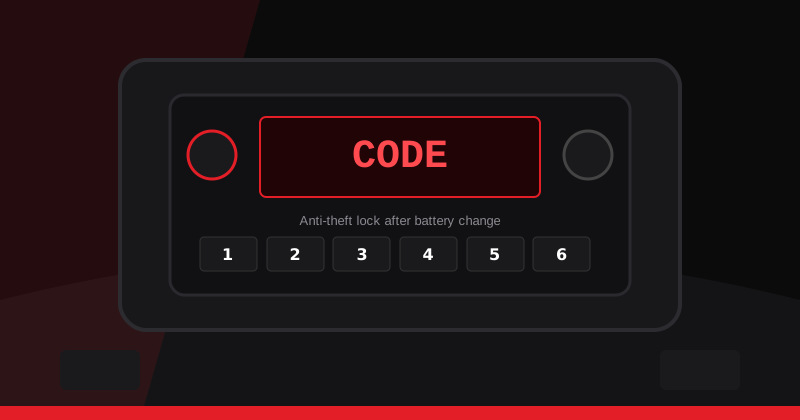
Your Honda battery went flat, or a shop disconnected it, and now the radio just says CODE. You need the original unlock code to get the stereo working again. Choose your model, enter the radio serial number, and our team will look up the code and email it to you. It is free, and it is for owners restoring their own Honda or Acura radio.
Request your Honda radio code
Before you start: check the glovebox card
Most Hondas came with a small anti-theft card or sticker in the glovebox that lists the radio code and serial. Check there first. If you find it, enter that code and you do not need us.
How it works
1. Find your serial number
Many Honda radios show the serial on screen when you hold presets 1 and 6. Older units may need the label on the side of the radio. See our serial number guide.
2. Send the request
Pick Honda or Acura, choose your model, enter the serial and your email, and confirm you own the vehicle.
3. We retrieve and email the code
Every request is processed by our team. Timing may vary. Then follow how to enter the code.
Honda models we cover

Element, Ridgeline, HR-V and common Acura models are available in the form dropdown even without a dedicated hub page.
Official Honda lookup (US)
American Honda also offers a complimentary online lookup when you have the VIN and the radio or navigation serial. See Honda Customer Relations and radio-navicode.honda.com. We are not that site. Use whichever route works for you.
Owner recovery only
We only help owners, or people with the owner's permission, get back into a radio they already own. We do not offer any way to get around radio security, and we will not process requests that look like misuse.
Newer Hondas
Many 2013 and newer Hondas unlock the audio unit by holding the power button for about two seconds with the ignition ON, if the unit still matches the car. If that fails, your owner's manual may send you to a dealer. Not every late-model Honda uses a typed code.
More help: How it works · Find serial · Enter code · FAQ