
How to enter your Honda radio code
You have the code from your card, from Honda's site, or from our email. Enter it carefully. Rushing wrong digits can force a wait.
Before you type anything (2013 and newer)
With the ignition fully ON (not just accessory), wait until the CODE screen is up, then press and hold the power button or VOL/AUDIO knob for about two seconds. Many later Hondas unlock this way when the unit still matches the car. If the screen still asks for a code, continue below or see your dealer for replacement units.
Entering a typed code (typical older units)
- Ignition ON, radio showing CODE.
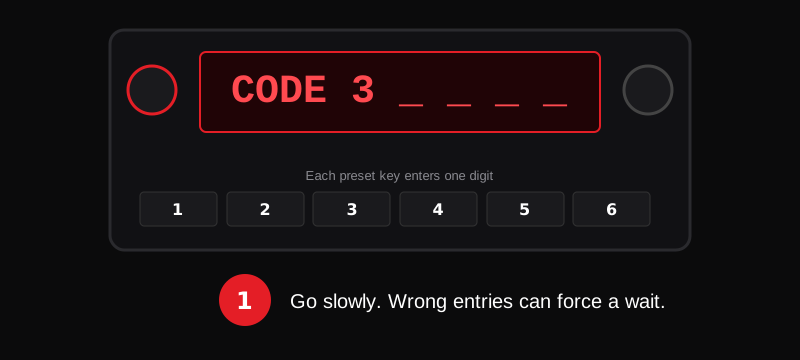
- Use the preset buttons or the dial your manual describes to enter each digit.
- Confirm or wait for the radio to accept the code.
- If it fails, stop and re-check the serial and the code before trying again.
Exact button maps differ by year and whether you have a simple audio unit or a nav system. Use the owner's manual for your model when the labels differ.
Wrong code and lockouts
Too many wrong tries can lock the radio for a period (sometimes minutes that grow longer). Do not keep guessing. Confirm the serial, confirm the code, then try again after any wait the screen shows.
Radio code vs navigation code
On nav-equipped Hondas, the audio code and the navigation code can be different. Enter each on the screen that asks for it.
Still stuck?
Request a fresh lookup with the correct serial on our home form, or use Honda's official US lookup, or visit a dealer with proof of ownership. More answers in the FAQ.